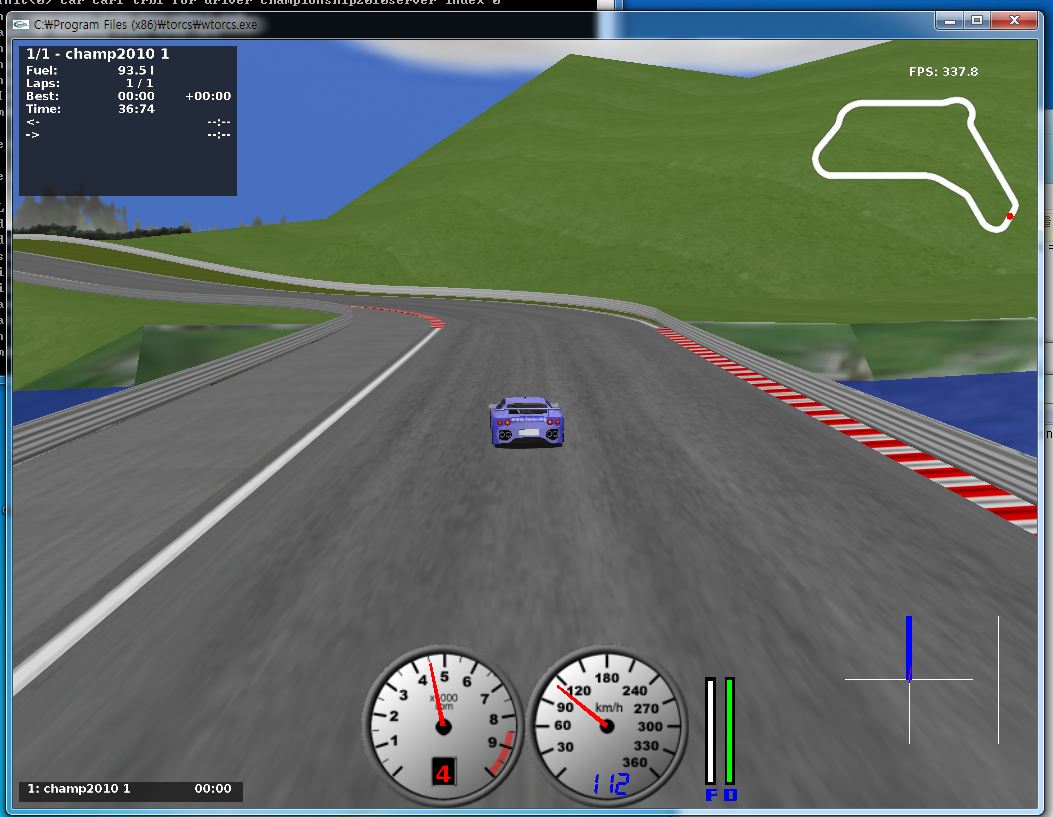
This page contains technical staff to make your own controller !!!!
- Preparation
- Operating Systems: Linux, Windows
- IDE (Programming Environments): For example, Visual Studio
- Programming Languages: C++, JAVA
- Important Documents: Manual
- How to Build Your Own Controller (Windows, C++)
- Download TORCS 1.3.1 Windows Installer from here
- Download champ2011patch.zip from here
- Unzip the package in the TORCS main directory. During the unpacking, you will be asked to overwrite some existing files, answer yes for all the files.
- Download C++ client package from here
- Unpack the client package
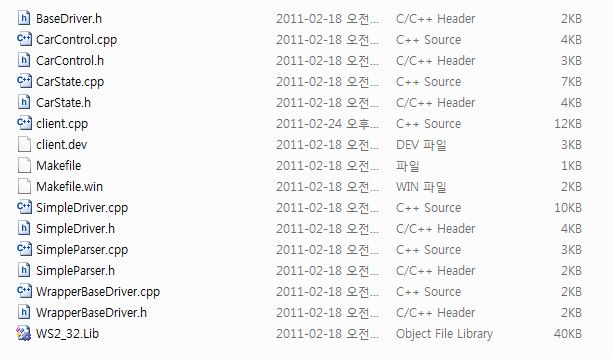
- You need a C++ development tool or IDE (for example, visual studio)
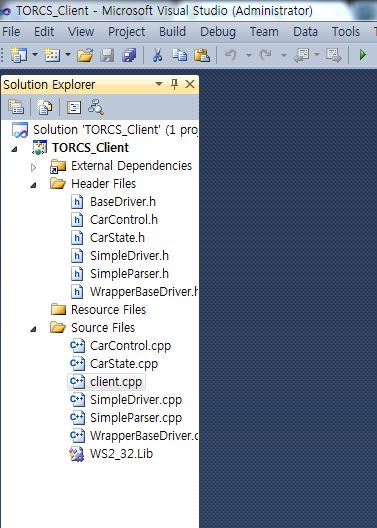
- Include all source files and WS_32.lib to your project
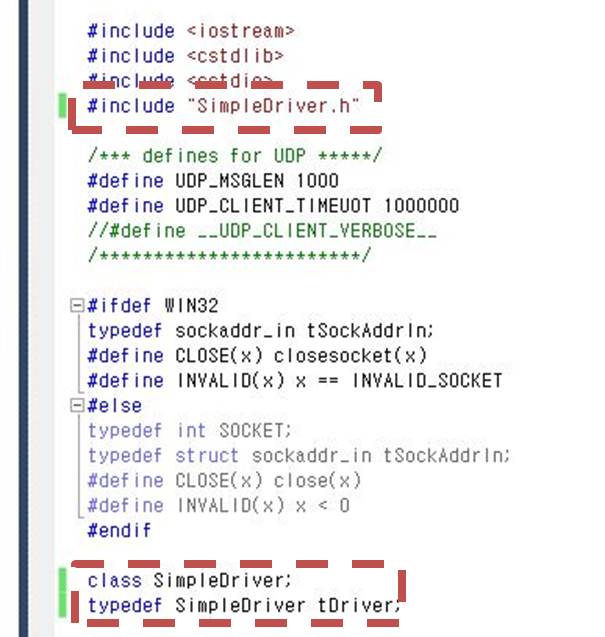
- Please modify client.cpp
- You're ready to build your project. Now you have a executable file.
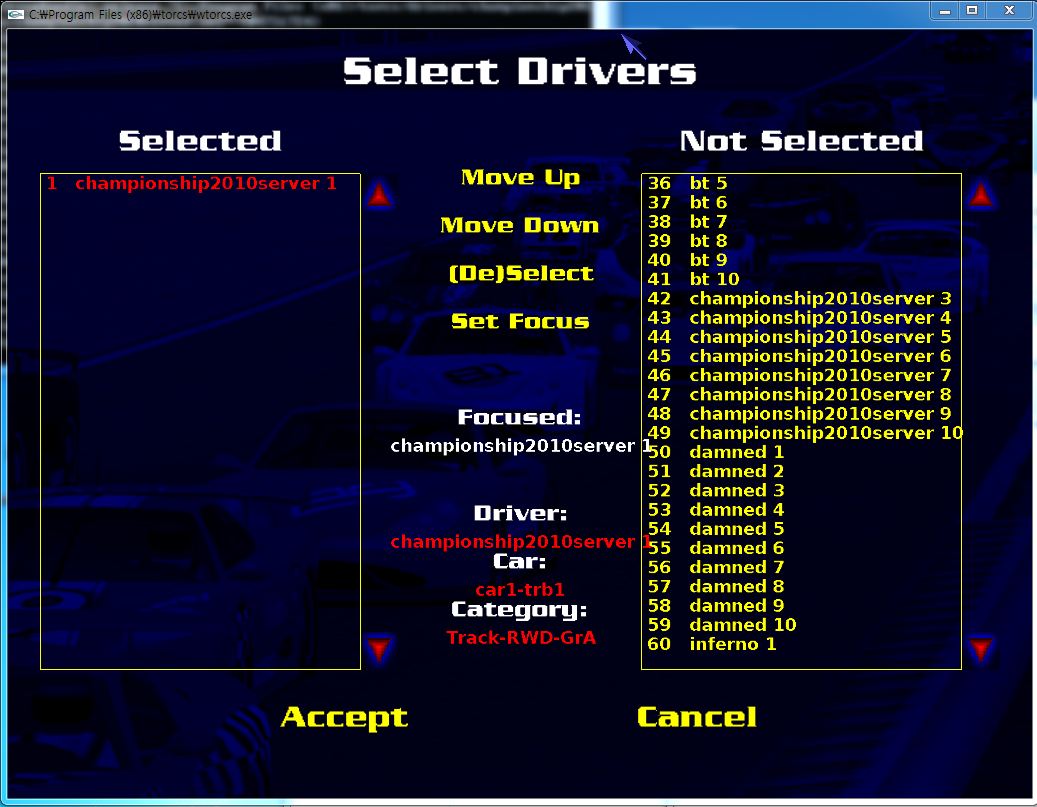
- Run TORCS. RACE-Quick Race-Configure Race- Choose Your Map and you can see the following screen. Please select championship2011server1
- Set display as “normal”
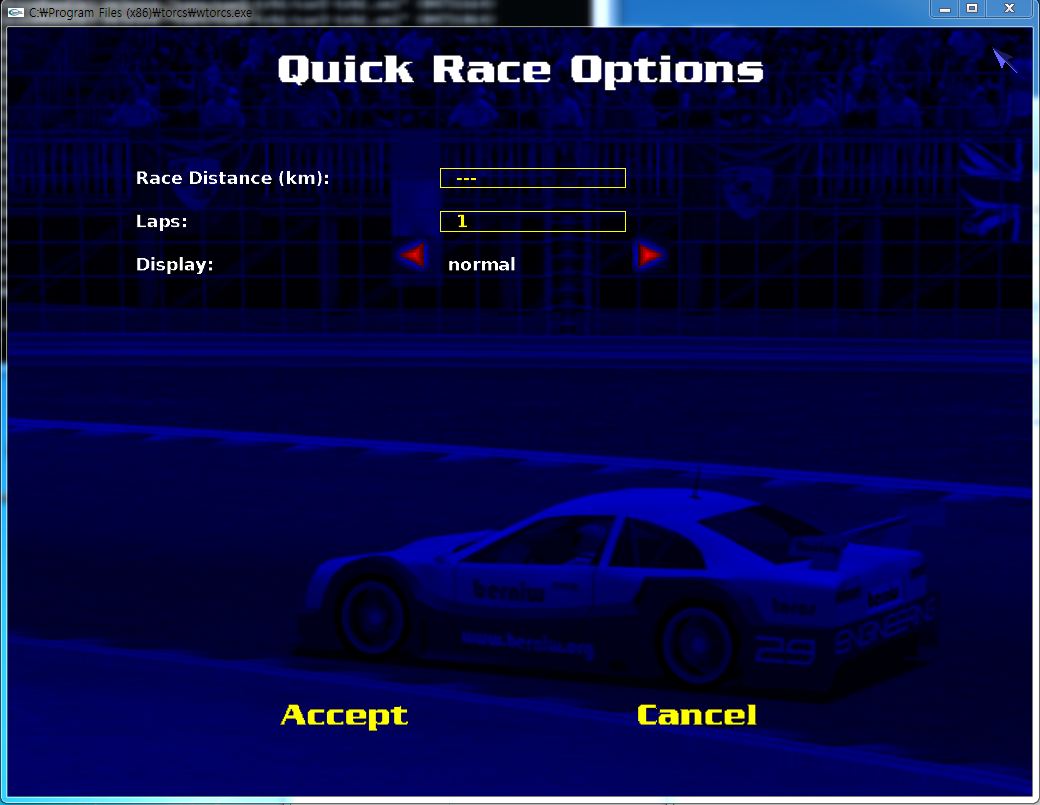
- Accept and start
- Please run your client executables with the following command line options (TORCS_Client.exe host:localhost port:3001 id:championship2011)